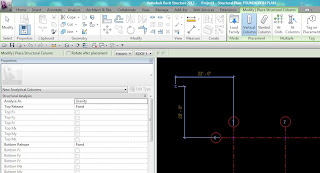
Have you ever used this button?
Yeah, me neither! ;)
It lets you create multiple plan views, for different view types, as you create levels. Now this works great for architects with floor plans and reflected ceiling plans. But 'Out Of the Box' poor ole Structural Reviters only see Structural Plan when we click the button..
We all know that while working in Revit, yes you do have the typical Structural Plan views, but you probably also have coordination views, and views where you are adjusting your analtyical model (maybe, hopefully?).. And views where your coworker decides to turn all concrete elements to semi-transparent .. ugh.
Which got my wheels a turnin... So I created additional View Types for Analytical and Coordination ..
Now when I go to create a level and push the Plan View Types button, I see all three, in-which I can use the CTRL key to select all.
And then I created Level 3.. but the results were not as expected! Instead of Level 3 under each view type like I have seen in Architectural files for Floor Plans and Ceiling plans, I got Level 3 under Structural Plan (okay that's good) but then the views for Analytical and Coordination were name Level 4 and Level 5.. obviously still associated to Level 3 because I don't have a Level 4 or 5 But.. when I change the Level 3 name those views won't change to match, and... when I do create Level 4 and/or 5.. well that just becomes ultra confusing.
And here's what it would look like if I started over and created Level 1 first with all three view types, then Level 2 and Level 3. I mean, it does create all the views at once and I could easily select each one, hit F2 and rename them all in order.. so its still something to keep in mind for a quick view creation.. but just not the expected results!
Keep in mind that you'd need to Sort your browser by Family and Type or Type ...